Land navigation for airsoft and milsim: maps, MGRS and apps

TL;DR
Land navigation for airsoft and milsim comes down to four choices: a paper map and compass, MGRS grid references, a TAK app like ATAK or iTAK, or a shared live map. A small squad can run on a map and compass alone, while a larger op gets easier once everyone is on one screen.
Key takeaways
- A map and compass need no battery and no signal, and are worth carrying as a backup even with a phone app.
- MGRS grid references can pinpoint a location to within 10 metres and work with no signal at all.
- ATAK-CIV and iTAK are free downloads from the TAK Product Center, but team-wide sharing needs a separately run TAK Server.
- WinTAK is the Windows desktop build in the same TAK ecosystem, also distributed through the TAK Product Center.
- A shared live map shows everyone in a session on one screen and needs no server, just a QR code to join.
On this page
Land navigation means finding your position and your route to a destination with a map, a compass, grid references or a phone, with nothing more than that and no cell signal or server required. For most airsoft and milsim games it comes down to four choices: a paper map and compass, MGRS grid references, a TAK app like ATAK or iTAK, or a shared live map that puts your whole team on one screen.
This guide covers:
- What each method is and what it needs to work
- How MGRS grid references work and why they show up on TAK apps
- How a shared live map changes navigation once everyone is in the same session
- A straight comparison of setup, cost and what each method is best for
- Where a new team should start
Bottom line: carry a paper map and compass as the method that never runs out of battery, then add whichever digital layer fits your group’s size and budget.
The main ways to navigate in the field
Four methods cover almost every game, from a Sunday skirmish to a 48-hour op. Each has a different setup cost and a different failure mode.
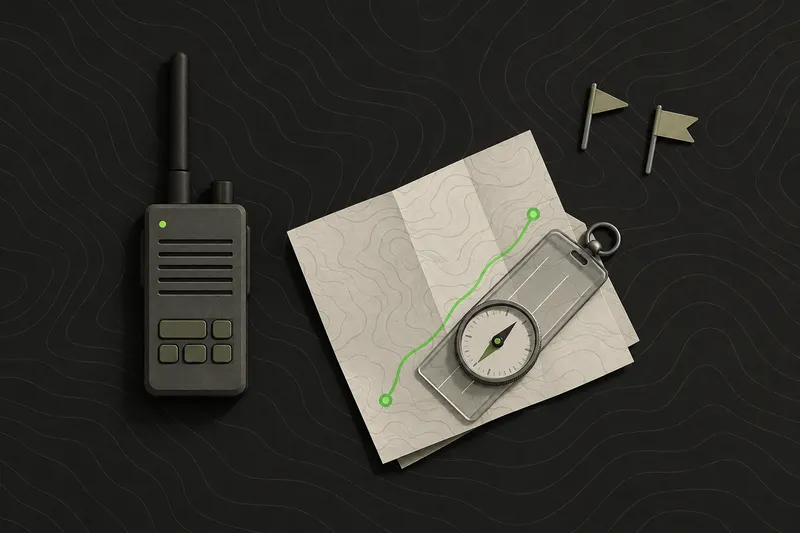
Map and compass
This is the method with nothing to charge and nothing to configure. Pace counting and dead reckoning let a navigator estimate distance and direction travelled using steps and a compass bearing alone, with no electronics at all. A player who can take a bearing and count paces can find a rally point in the dark with a dead phone.
It is slow to learn and slower to use under pressure, which is exactly why it is worth practising before game day rather than during it. Walk a known distance on a football pitch or a car park, count your paces, and you have a personal pace count for 100 metres that works on any field afterward. Pair that with a compass bearing to a known landmark and a lost player can walk themselves back to a rally point without a phone in hand.
It is also the method that survives everything. Rain gets into phone cases, batteries die at hour six of a long op, and a cheap baseplate compass does not care about either. For the mechanics of reading contours and taking a bearing, see our guide on how to read a topographic map and how to use a compass.
MGRS grid references
The Military Grid Reference System (MGRS) is the grid reference standard NATO militaries, including the US military, use to pinpoint a location on a map.[1] It divides the world into 6 by 8 degree grid zones, and then into smaller squares, so a full grid reference can pinpoint a location to within 10 metres.[1]
That precision is why MGRS shows up on game briefings and on TAK apps: calling “4QFJ1234 6789” over the radio is faster and harder to mishear than a street address, and it works on a printed map with no signal at all. A grid reference also does not depend on the reader knowing which road or landmark you mean, which matters when half a squad is new to the area.
The trade-off is the learning curve. Reading a grid zone, a 100,000-metre square identifier and a numerical location off a map takes practice before it is faster than just pointing. Most organisers teach it in a five-minute briefing the night before, then let players practise on the printed map during setup. Our full MGRS guide covers reading and writing grid references step by step.
ATAK, iTAK and WinTAK
ATAK was originally built for US military situational awareness, and the TAK Product Center now distributes the civilian version, ATAK-CIV, for free.[2] ATAK-CIV, the civilian build of the Android Team Awareness Kit, is listed as a free download on Google Play by the TAK Product Center.[3] iTAK is the iOS counterpart to ATAK, published on the App Store by the TAK Product Center for the same civilian team awareness use.[4] WinTAK is the Windows desktop build in the TAK ecosystem, distributed through the TAK Product Center.[2]
Fair warning: ATAK has a real learning curve, and a lot of its depth (plugins, agency-grade overlays, encrypted TAK Server links) is built for users who already need that depth. The interface was built for users who get trained on it, and most casual teams never touch the plugin system or the parts of the map that assume a TAK Server is already running.
If your team genuinely needs TAK interoperability, plugins, or you’re already working alongside an agency on TAK, ATAK or iTAK is the right tool, and it is a capable one. For most game nights, it is more setup than a casual team needs, which is exactly the gap a simpler shared map fills.
Running land navigation on a shared map
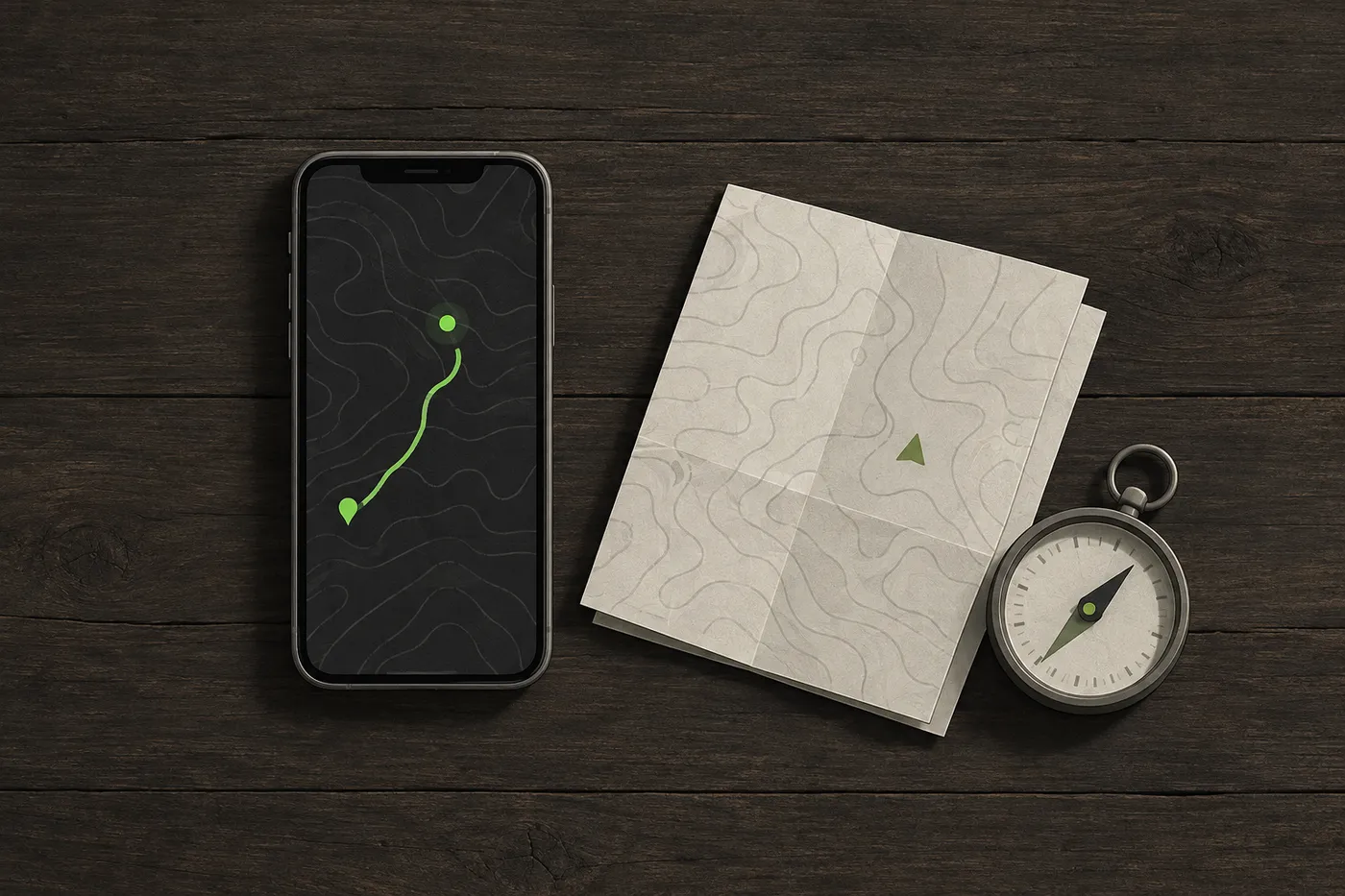
A shared live map changes the question from “where is everyone” to “look at the screen.” TacSync shows everyone in a private session on one live map, with positions updating every few seconds while the session stays active. An organiser can drop markers, draw routes and no-go zones on the shared map, and long-press any point to copy its MGRS grid reference, so a marker dropped on the map and a grid reference called over the radio describe the exact same spot.
Safety: a paper map and compass are still worth carrying, since a phone’s battery and signal can both fail partway through a long game.
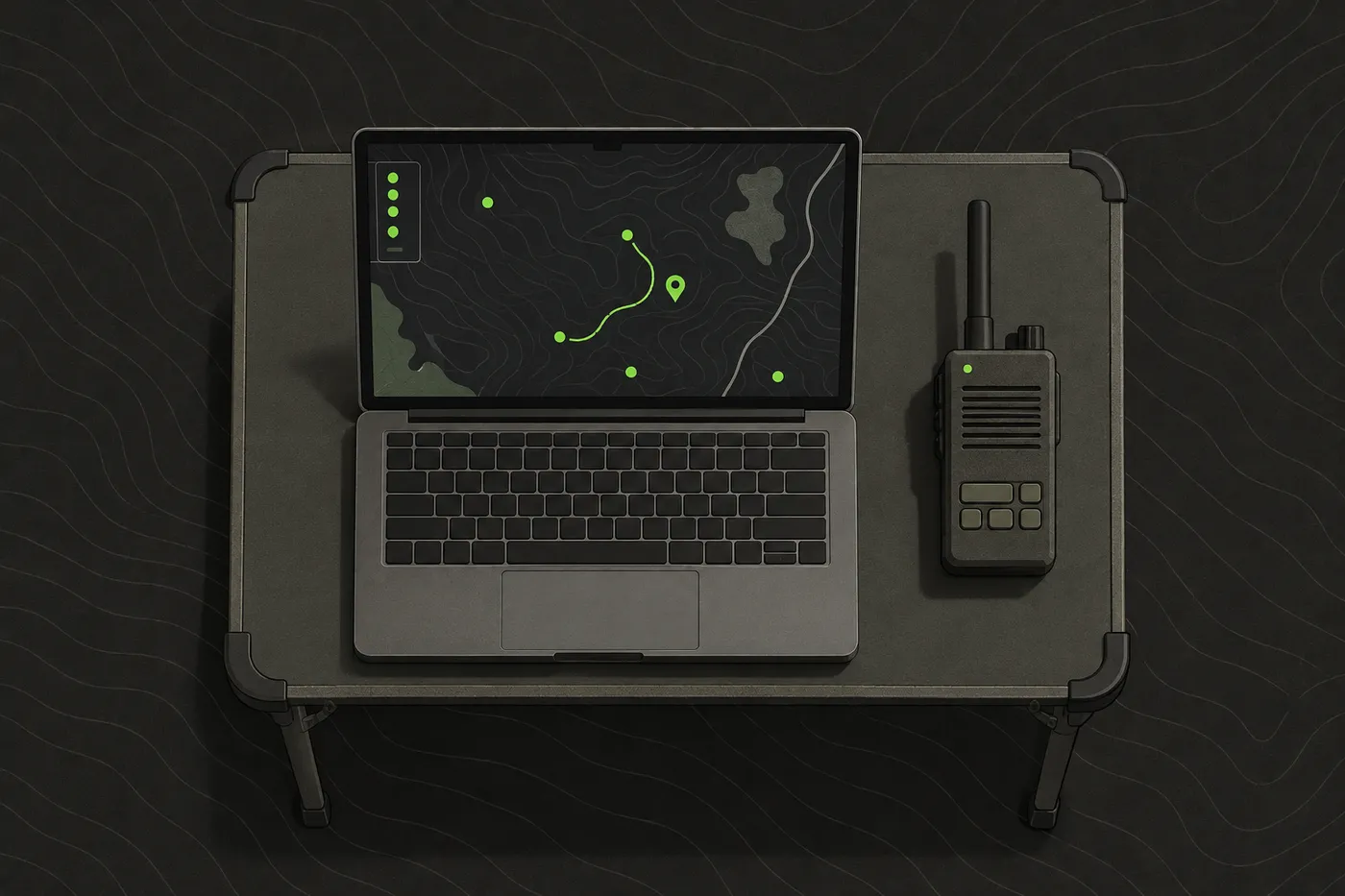
TacSync is free, joins by scanning a QR code, and runs on iPhone and Android, with a web command post at app.tacsync.com for an organiser running HQ from a laptop. It is not a TAK client. An organiser can link a session to a TAK server as a beta feature, which brings TacSync players and markers into ATAK, iTAK and WinTAK over Cursor on Target. That link is a bridge between the two systems, built for organisers who already run both.
Comparison: which land navigation method fits which game
Whether a game needs offline grid references or a live shared map depends mostly on group size, field size and whether the venue has cell coverage. A six-person squad in a small wooded field can run on a map and compass alone. A forty-player milsim op across several square kilometres gets a lot easier with everyone on one screen.
ATAK and iTAK need a TAK Server to share data whenever they are not connected peer-to-peer, and an organiser or agency has to set that server up and run it separately.[2] That is the real cost of the TAK ecosystem: the apps are free, but team-wide sharing at scale means someone is running infrastructure.
| Method | Setup needed | Server required | Price | Best for |
|---|---|---|---|---|
| Map and compass | None | No | Free | Any game, as a backup |
| MGRS grid references | Learn the grid, print or mark a map | No | Free | Calling locations precisely over radio |
| ATAK / iTAK | Install, learn the interface | Optional, needed for team sharing | Free | Teams already on TAK, or needing plugins |
| WinTAK | Install on a Windows laptop | Optional, needed for team sharing | Free | An HQ desk running the TAK ecosystem |
| Shared live map (TacSync) | Scan a QR code to join | No | Free | A casual team wanting one map, fast |
Practical tips for land navigation on game day
- Brief the grid reference system or map app the whole team will use before the game starts, not after someone calls in a location nobody can plot.
- Save offline map tiles for the game area the night before, since cell signal at most outdoor venues away from towns is patchy at best.
- Hand every squad leader a printed map with the game boundary and rally points marked, even if the team is running a phone app. Paper does not need a signal.
- Agree on one grid reference format (not a mix of MGRS and street addresses) before anyone keys a radio.
- Mark rally points and medical points on the map before the first briefing, not when someone is already hurt and asking where to go.
- Test whatever app the team is using in the actual field beforehand rather than just the car park. Tree cover, hills and distance from the nearest tower all change how well a phone holds a signal.
Where to start
A new team should start with a paper map and compass as the fallback, then add a shared-position app once everyone has joined the same session. ATAK-CIV and iTAK are both free downloads.[3] For a single weekend game with no TAK Server already running, a shared-position app that joins by scanning a QR code gets a team onto grid references and markers faster than installing and configuring ATAK.
That is the one to try first. Add MGRS once the team wants to call locations precisely over the radio, and only reach for the full TAK ecosystem when the event genuinely needs plugins or TAK Server interoperability.
None of this is a one-time decision. A team that starts with a map and compass for a first skirmish often adds a shared live map once the group grows past a dozen players, then adds MGRS once new players are confident enough to call a precise location instead of just pointing. The game should drive the method, growing in step with the group.
Disclaimer: This guide is general information for airsoft, milsim and paintball games and for people learning about publicly available TAK software, not military, tactical or legal advice. Follow your field’s and event’s safety rules, marshal instructions and local law. ATAK, iTAK, WinTAK and TAK Server belong to their respective owners; TacSync is independent and not affiliated with the TAK Product Center. App features and prices change, so check the official listing before you rely on one.
Sources
- Military Grid Reference System - Wikipedia. Wikipedia, accessed Oct 19, 2026.
- Products | TAK.gov. TAK.gov, accessed Oct 19, 2026.
- ATAK-CIV (Civil Use) - Apps on Google Play. Google Play, accessed Oct 19, 2026.
- iTAK App - App Store. Apple App Store, accessed Oct 19, 2026.
Frequently asked questions
Is ATAK free?
Yes. ATAK-CIV, the civilian build of the Android Team Awareness Kit, is a free download on Google Play from the TAK Product Center, and the iOS version, iTAK, is also free on the App Store.
Do you need a TAK server for airsoft?
Only if your team wants ATAK or iTAK to share data when they are not connected peer-to-peer. An organiser or agency has to set that server up and run it separately, which is more infrastructure than most casual airsoft teams need.
What is MGRS and how precise is it?
MGRS, the Military Grid Reference System, is the grid reference standard NATO militaries use to pinpoint a location on a map. It divides the world into 6 by 8 degree grid zones and then into smaller squares, so a full grid reference can pinpoint a location to within 10 metres.
Do I still need a paper map and compass if my team uses an app?
Yes. A paper map and compass are worth carrying as backup since a phone's battery and signal can both fail partway through a long game, and pace counting with a compass bearing works with no electronics at all.
What is the easiest way for a new team to start with land navigation?
Start with a paper map and compass as the fallback, then add a shared-position app once everyone has joined the same session. Add MGRS once the team wants to call locations precisely over the radio, and only move to the full TAK ecosystem if the event genuinely needs plugins or TAK Server interoperability.
TacSync
Put your whole team on one live map.
Positions, markers, routes and chat in a private session. Join with a QR code, no server to set up.